




Description
Launch your own Organic Store in minutes!
This professionally designed WooCommerce landing page website is built with a clean, modern layout optimized for organic, eco-friendly, and natural product businesses. Powered by CartFlows for smooth sales funnels and WooCommerce for seamless eCommerce functionality.
You’ll receive a WPVivid Plugin backup file, allowing you to fully restore the website with one click, including all the pages, design settings, and plugins – just like the demo!
Important Notes:
Features Included:
Organic & Nature-Friendly Design
Clean and modern layout tailored for organic food, natural beauty products, herbal supplements, or eco-friendly goods.
Built with WooCommerce
Full eCommerce functionality with wonderful Cartflows’ multiple demos.
CartFlows Integration
Custom sales funnel with optimized checkout and thank-you pages – ideal for boosting conversions.
WPVivid Backup Format
Delivered as a full WPVivid backup. Just restore it on any WordPress install with the WPVivid plugin.
Ready-Made Pages
Includes Home, Multiple Landing Page, Thank You, and more.
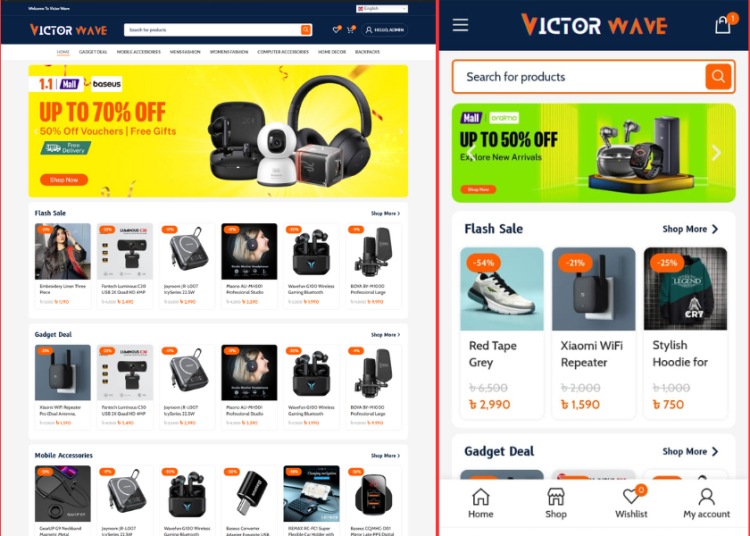
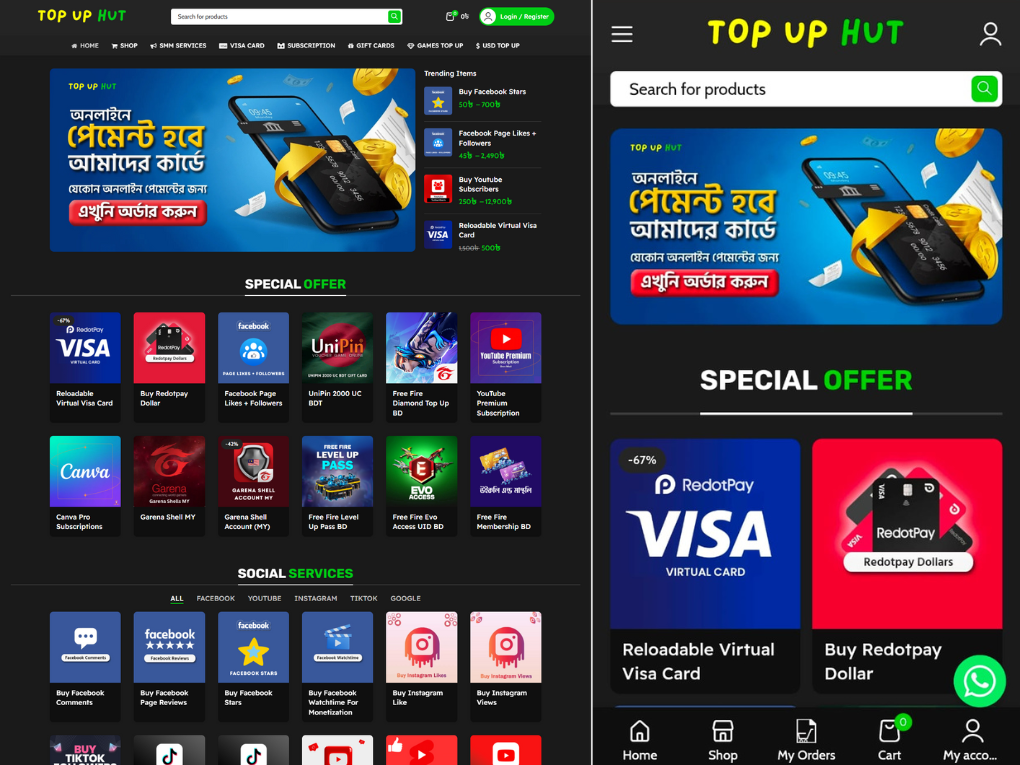
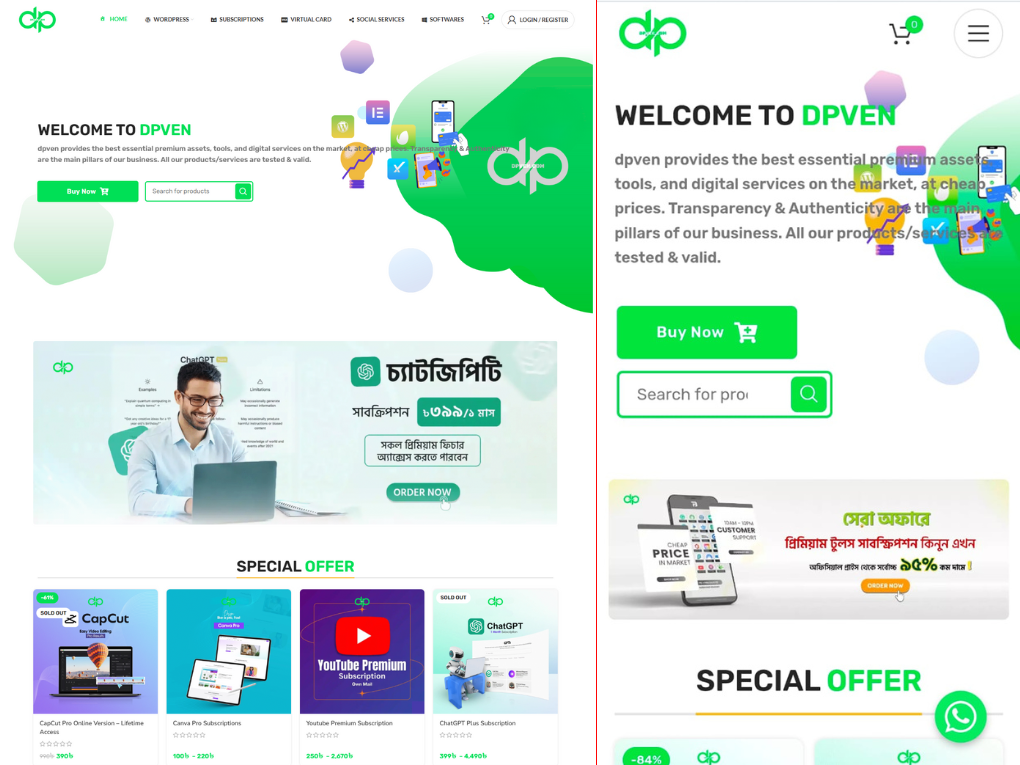
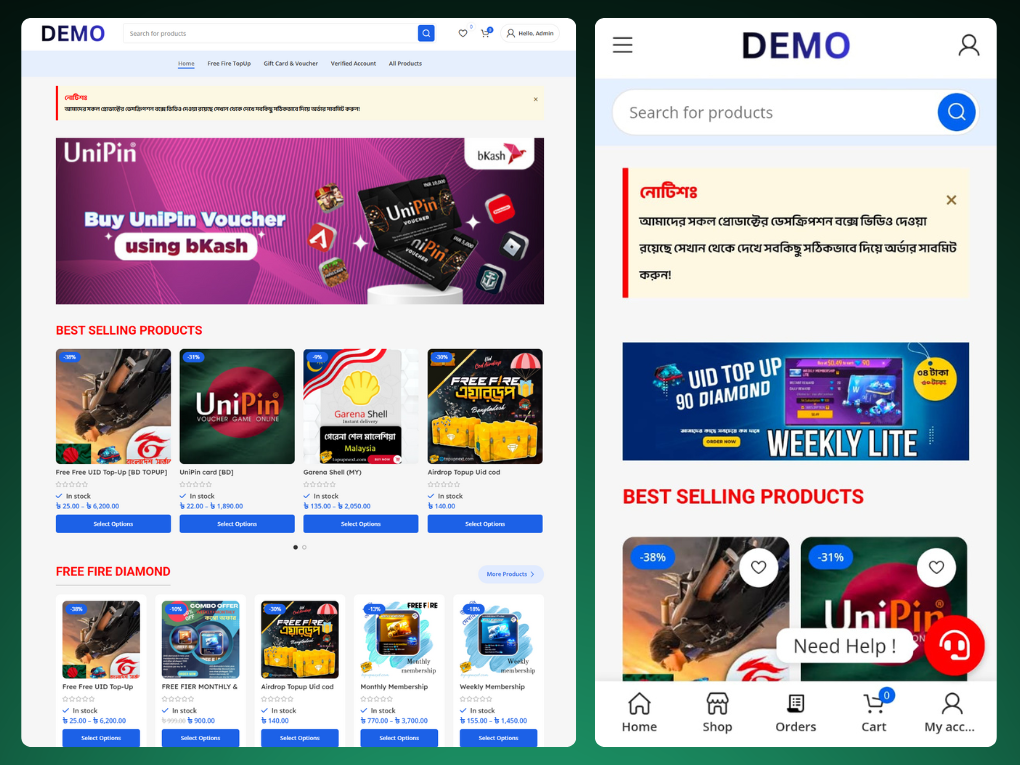
Mobile-Friendly & Responsive
Fully optimized for all devices – from desktop to smartphone.
Elementor Compatible
Easily edit the design with Elementor (Free version compatible).
Payment Ready
WooCommerce payment gateway setup compatible – just add your keys.
Easy to Customize
Change colors, images, products, and text to match your brand in minutes.
How to Buy Domain & Web Hosting?
Follow This Video to buy Domain & Web Hosting with Bkash, Rocket, Nagad Click Here To Watch
How to Install this website?
Follow This Video to Install this website?
- After completing your order then go to My Account> Downloads . And download the backup zip file.
- Then install WordPress on your cPanel.
- Then install WP Vivid wordpress plugin to restore this site from the backup file.
- After restoring, then open the “Admin Login Information” file and use this username & password.
- Change Administrator Email: Login to Dashboard and go to settings>general>and set administrator email. Just type your email address and verify your email.
- Change Order Email: Go to WooCommerce>Settings>Emails Tab, and set order notification email address.
- Change Admin Login Info: After logged, just go to hover over users>profile. Then change admin information.

Single Product Landing Page – 01
Product Landing Page – 02
Product Landing Page – 03

Product Landing Page – 04





 USD $
USD $  BDT ৳
BDT ৳